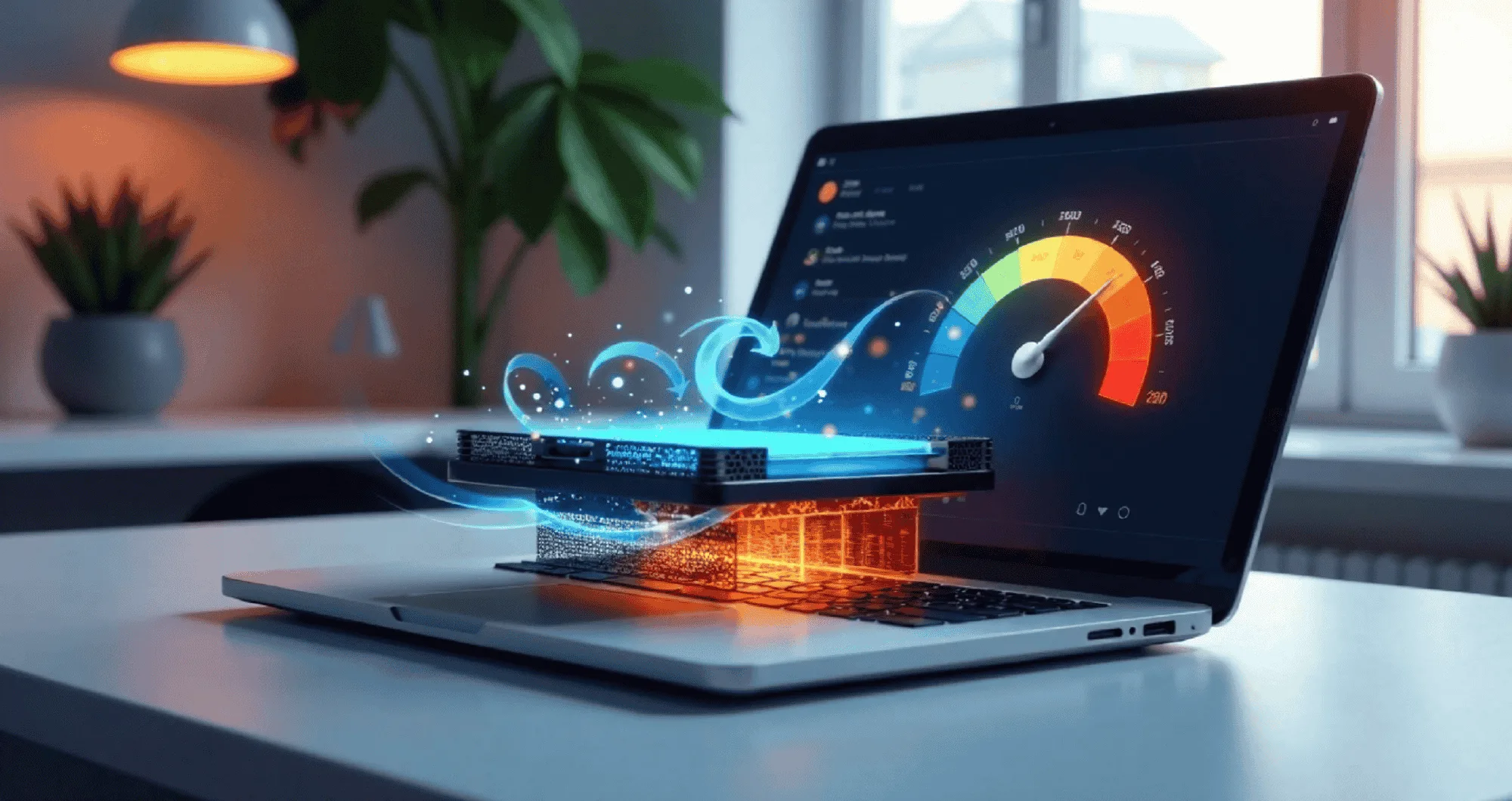

Have you ever noticed your laptop getting warm when you use it for a long time? If yes, you might have wondered, “How do laptops keep themselves cool and prevent overheating?” It’s a good question, and luckily, laptops have built-in cooling systems to prevent this from happening.
Just like you need a fan when it’s hot outside, your laptop also needs cooling mechanisms to work properly without overheating.
In this article, we will explore how laptops adjust cooling, what helps them stay cool, and why this process is so important for keeping your laptop working smoothly.
1. What Happens When Laptops Overheat?
Laptops can overheat if they don’t have enough cooling. This happens when the parts inside your laptop, like the processor and graphics card, work hard and create too much heat. For example, an AMD 2 in 1 laptop may generate more heat when running demanding tasks, as its processor and graphics card work together.
When the laptop overheats, it can slow down, freeze, or even shut off suddenly to prevent damage. Overheating can shorten the life of your laptop and cause serious problems. This is why laptops have systems built inside them to manage and prevent overheating. Let’s take a closer look at how this happens!
2. The Importance of Cooling in Laptops
Cooling is essential for laptops because it helps keep all the important parts inside, like the CPU and GPU, at a safe temperature. If these parts get too hot, they can cause the laptop to freeze or stop working. Cooling is what allows your laptop to perform well and not slow down during long hours of use.
How Cooling Helps the CPU and GPU
Cooling helps regulate the temperature of the CPU and GPU by preventing them from getting too hot. These parts of the laptop process data and run games or programs, which can generate a lot of heat. With the right cooling system, laptops can perform tasks without worrying about overheating.
Airflow and Ventilation
Laptops rely on proper airflow to stay cool. The cooling fan inside your laptop helps push out warm air and pull in cool air. This airflow helps keep the temperature stable and allows your laptop to run smoothly.
Role of Heat Sinks
Laptops also have heat sinks, which are metal components that help absorb and spread the heat. The heat sink absorbs the heat produced by the processor and spreads it out, making sure it doesn’t stay concentrated in one spot. This helps the laptop avoid overheating.
3. Types of Cooling Systems in Laptops
Laptops, including models like the Yoga 2 in 1 AMD laptop, use different cooling systems depending on the model and brand. Some have powerful systems, while others are simpler. Regardless of the type, all cooling systems aim to keep your laptop cool and running smoothly.
- Active Cooling: Active cooling uses a fan to move hot air out of the laptop. This system works well for most laptops and helps maintain a low temperature.
- Passive Cooling: Passive cooling doesn’t use a fan, but relies on heat sinks to spread the heat. It’s usually found in smaller, less powerful laptops.
- Hybrid Cooling: Some laptops use a combination of both active and passive cooling systems for better heat control.
- Liquid Cooling: Some high-end laptops have liquid cooling systems that circulate liquid to cool down parts quickly. This system is more efficient but also heavier.
- Thermal Pads: These pads are used to help transfer heat from the processor to the heat sink, improving cooling.
These cooling systems are essential for keeping the laptop running at the right temperature.
4. Laptops Adjust Cooling Based on Workload
Laptops can change the speed and power of their cooling systems depending on how much work they are doing. If your laptop is running a simple task like browsing the web, it won’t need as much cooling. However, if you are playing a video game or editing a video, your laptop will need to work harder, and the cooling system will speed up to keep everything cool.
When Cooling Speed Increases
When your laptop is doing heavy tasks, like running multiple programs or playing high-graphic games, the cooling fan speeds up to move more air and cool the system faster. This is important because it helps prevent the laptop from getting too hot and overheating.
When Cooling Speed Decreases
If your laptop is not doing any intense work, the fan slows down, and the cooling system uses less power. This helps save energy and keeps the laptop quieter.
Sensors That Help Control Temperature
Many laptops have built-in sensors that measure the temperature inside the laptop. When the temperature rises too much, these sensors will tell the cooling system to increase its speed. These sensors are a great way to ensure your laptop never gets too hot and protects the internal parts.
5. Important for Laptops to Stay Cool
Keeping your laptop cool is important for many reasons. Not only does it help your laptop last longer, like the Yoga 7 AMD 2-in-1, but it also boosts performance. Let’s look at some key reasons why cooling is so crucial:
- Prevents Damage: Overheating can damage your laptop’s internal parts, such as the motherboard or CPU. Keeping the temperature down protects these parts.
- Improves Performance: When your laptop stays cool, it can run faster and more efficiently. You can work or play without worrying about slowdowns.
- Increases Lifespan: Keeping your laptop cool can help it last longer. Heat can cause parts to wear out faster, so cooling systems help prevent this.
- Prevents Sudden Shutdowns: If your laptop gets too hot, it may shut down to protect itself. Good cooling systems prevent this from happening.
- Improves Battery Life: Excessive heat can drain the battery faster. Keeping the temperature under control helps extend battery life.
Conclusion
In conclusion, laptops use cooling systems to adjust and prevent overheating. These systems include fans, heat sinks, liquid cooling, and sensors to keep the laptop temperature at a safe level.
Cooling helps prevent damage, improve performance, and extend the life of your laptop. Whether you’re using an AMD 2-in-1 laptop for basic tasks or gaming, laptops adjust their cooling to prevent overheating and keep you enjoying your work or play smoothly.
By understanding how laptops adjust cooling, you can make sure your laptop stays safe and performs at its best for many years. Keeping your laptop cool is essential for enjoying its full power and performance!